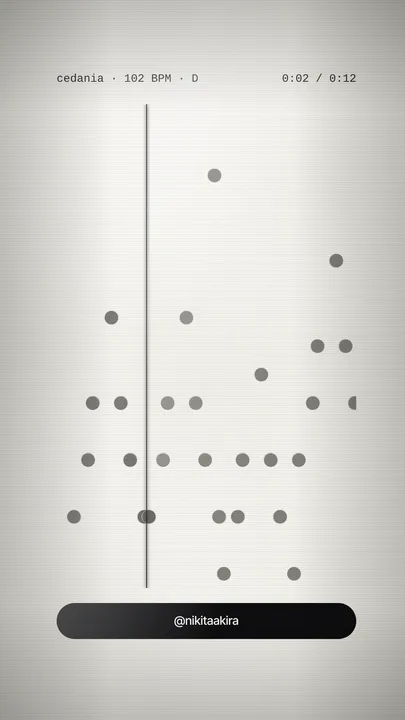
akira playerv2.1.0
new in 2.1: Timeline and Radial ›

Your beat,
as a video.

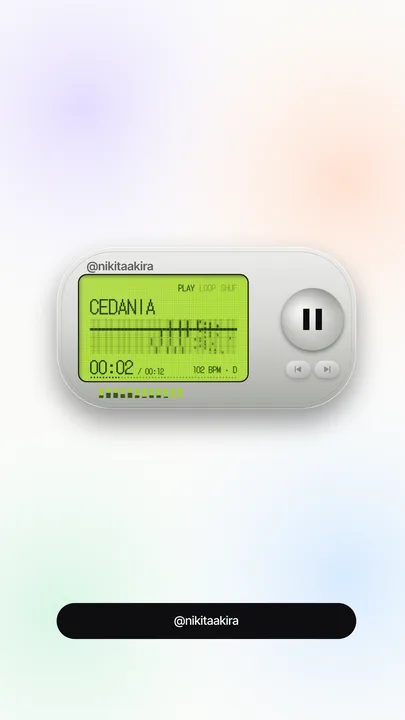
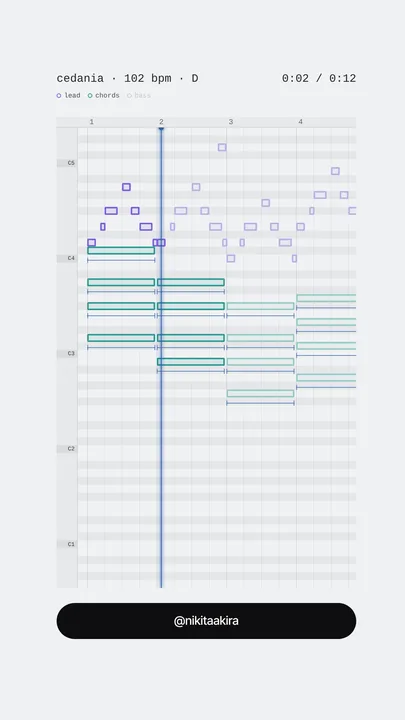
Now an app for Mac and Windows. Drop a beat, pick one of 54 looks, export a 1080×1920 MP4 in seconds — or 1920×1080 for YouTube. Add your .mid and the looks draw the real notes.

$34.99, once. The app for Mac and Windows, free updates. Tax is added at checkout where it applies.

Six of the 54 looks — real exports, nothing edited

New in 2.1 · Timeline and Radial

Eight looks you only get in the app.

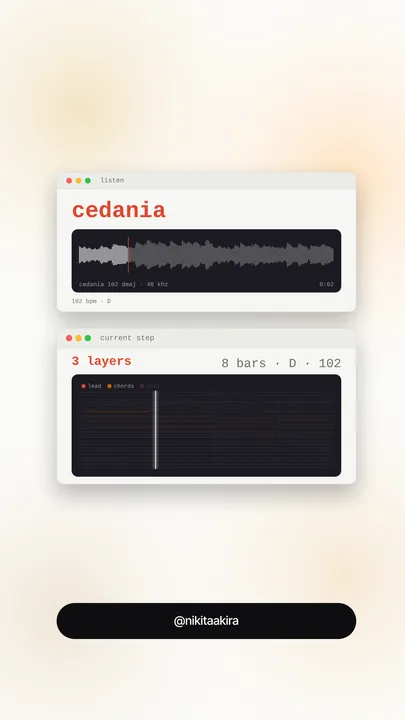
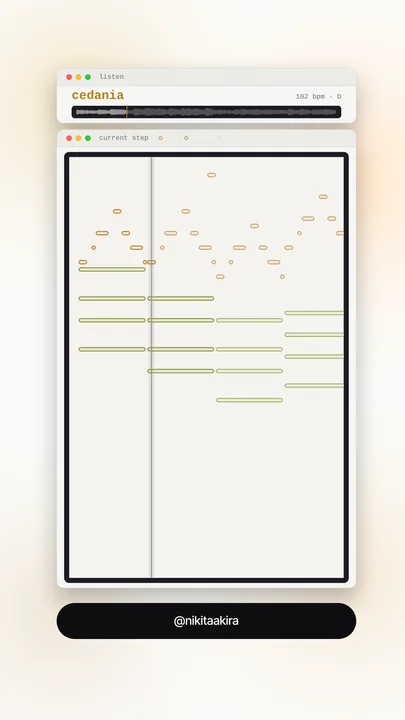
akira player is now an app for Mac and Windows. It opens like any app, works offline, and keeps your looks and your export folder. It brings eight looks of its own: Exploded, Defrag, Map, Panels, Patch, Field, Timeline and Radial. Five of them need no MIDI at all. New in 2.1: Timeline draws your beat as an infographic poster while it plays, and Radial grows it into a radial tree (or a dot-matrix chart). Both run on the beat alone.

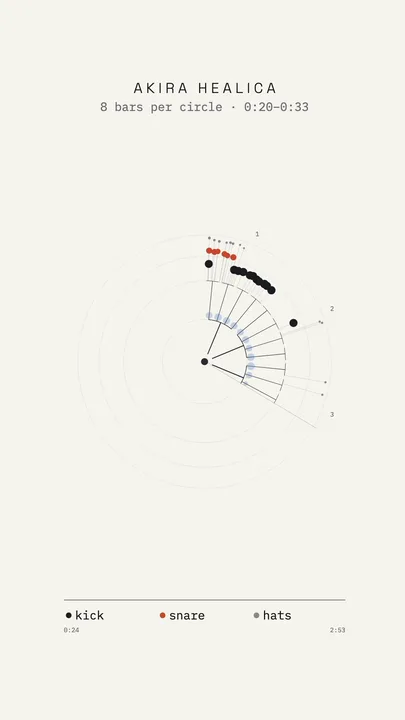
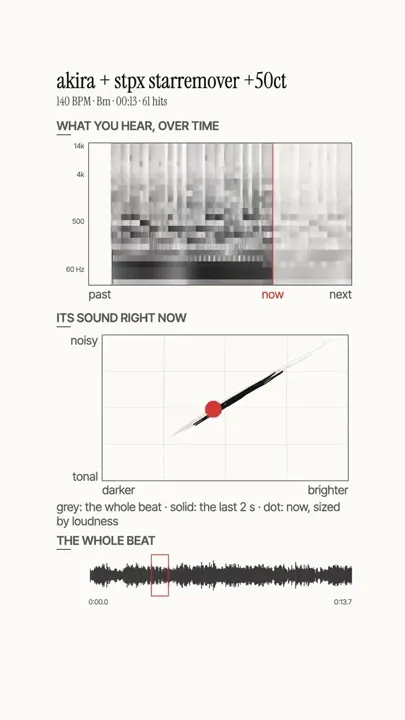
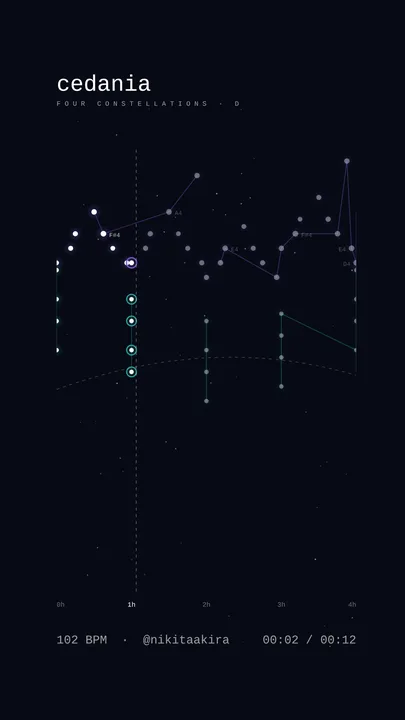
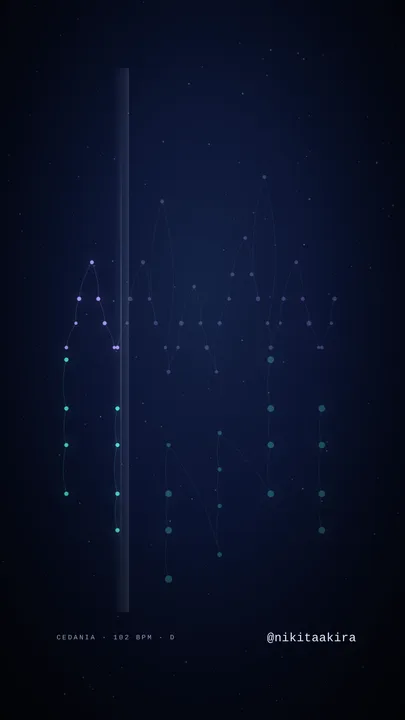
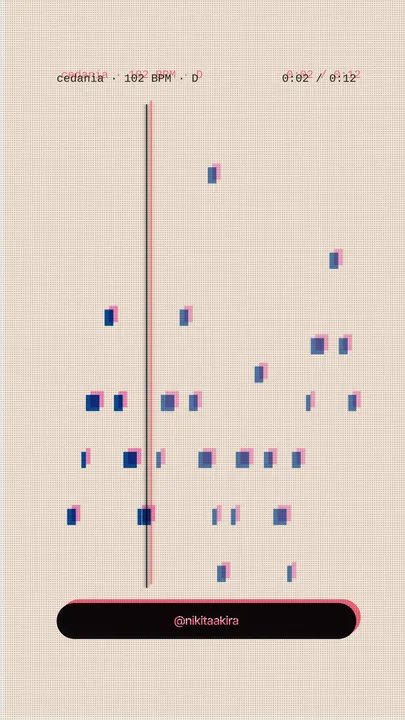
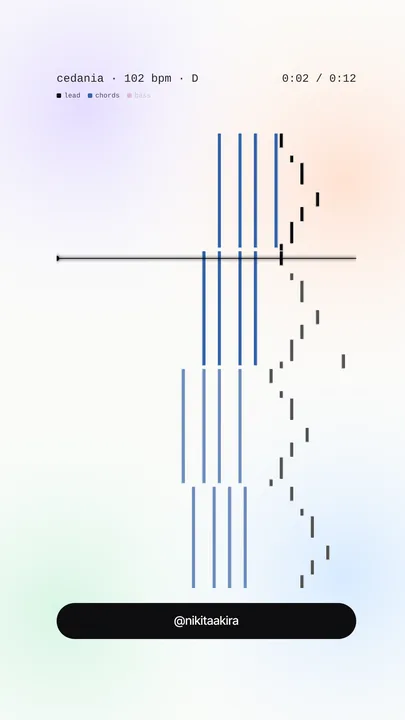
Timeline your beat as an infographic poster
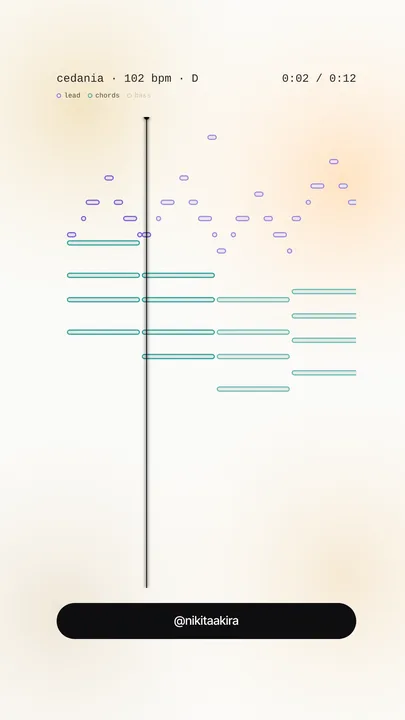
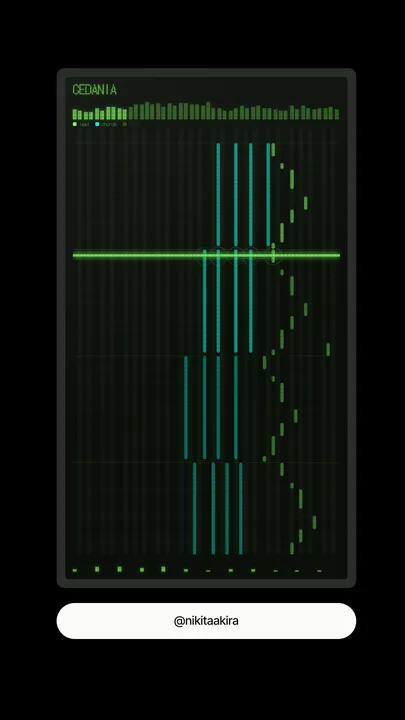
Radial a radial tree, or a dot-matrix chart
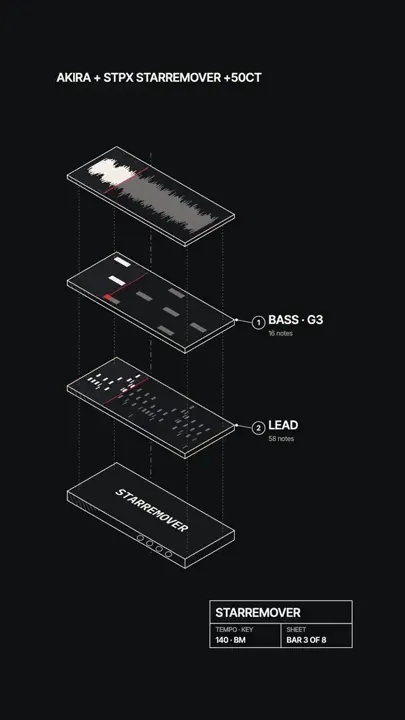
Exploded your parts as an exploded-view drawing
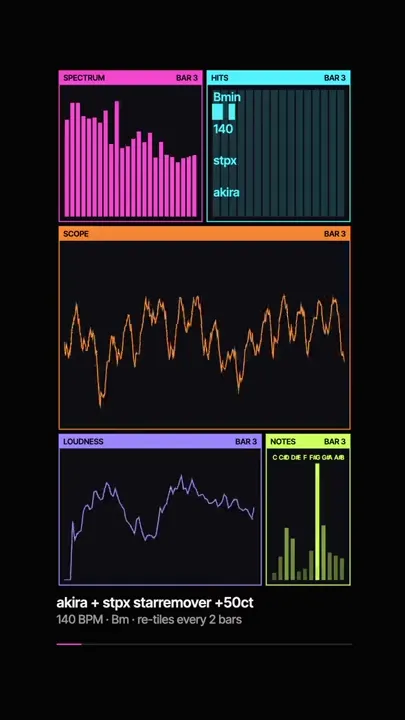
Panels neon windows that re-tile on the beat
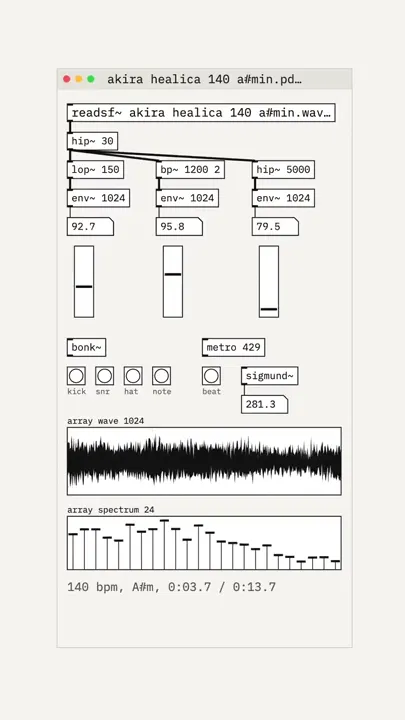
Patch your beat running as a Pure Data patch
Field field notes on what you hear
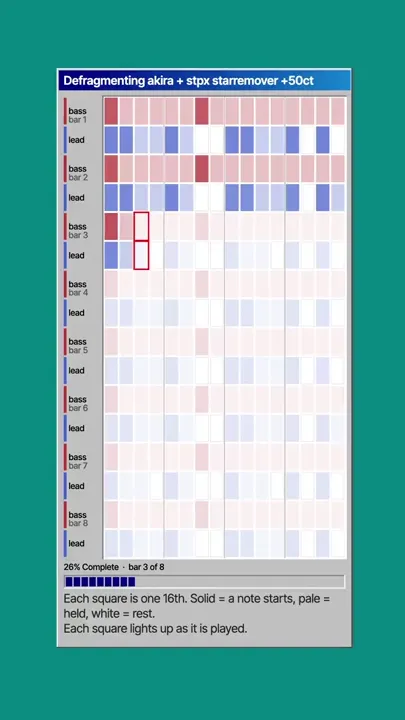
Defrag a disk defragmenting into your steps
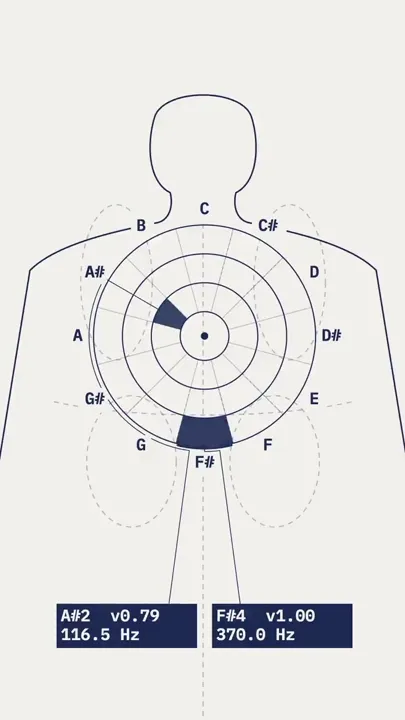
Map a body as a pressure map, one ring per octave

Already bought? The app is free for you: download it from your Payhip receipt and your key just works.

54 looks — eight only in the app

Real exports, nothing retouched. Tap one to watch it move.
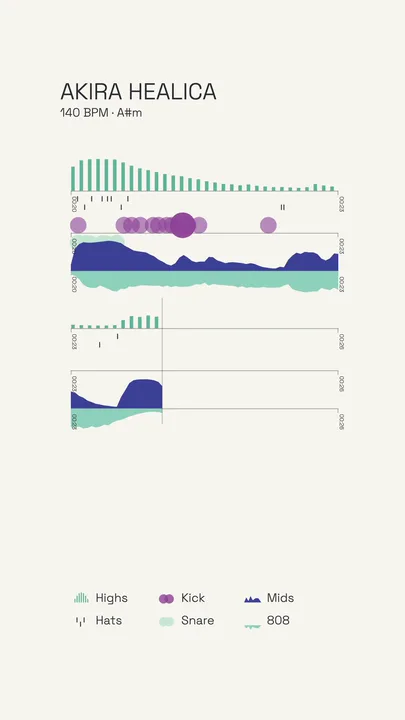
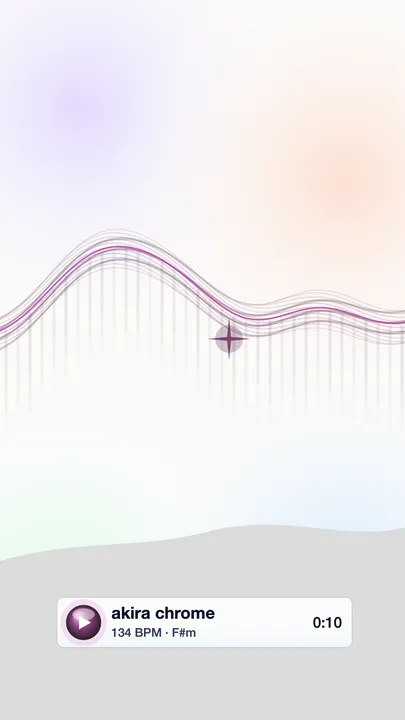
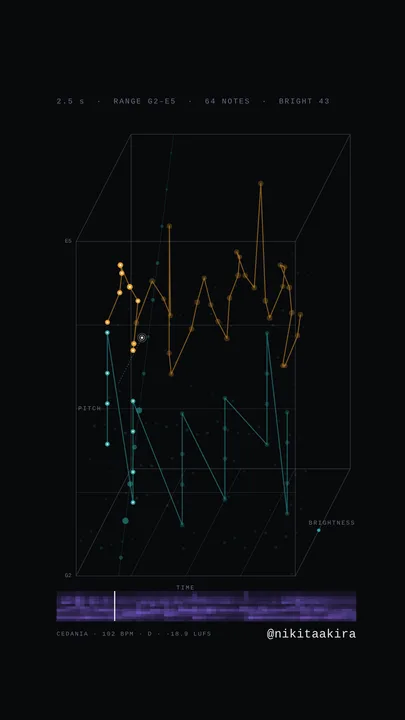
timeline — your beat drawn as an infographic poster, exported by akira player
timelineaudioapp
radial — your beat grown into a radial tree, exported by akira player
radialaudioapp
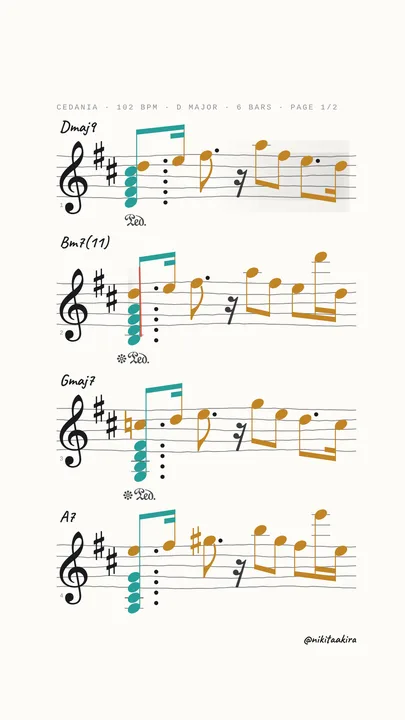
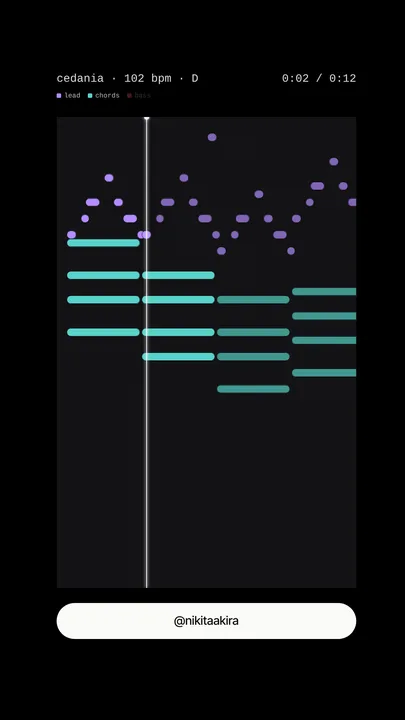
exploded — your parts as an exploded-view drawing, exported by akira player
explodedmidiapp
panels — neon windows that re-tile on the beat, exported by akira player
panelsaudioapp
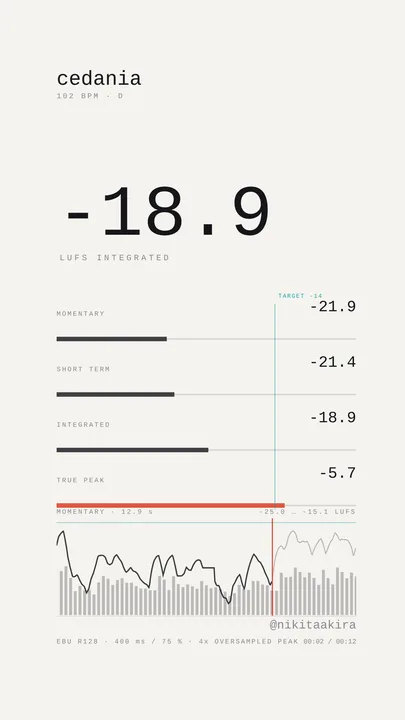
patch — your beat running as a Pure Data patch, exported by akira player
patchaudioapp
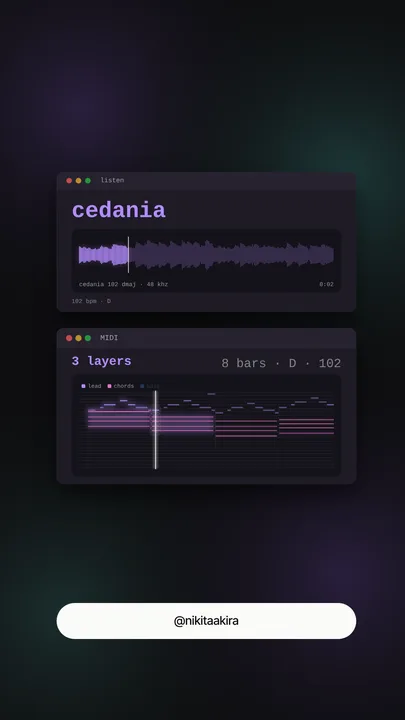
field — field notes on what you hear, exported by akira player
fieldaudioapp
defrag — a disk defragmenting into your steps, exported by akira player
defragmidiapp
map — a body as a pressure map, one ring per octave, exported by akira player
mapmidiapp
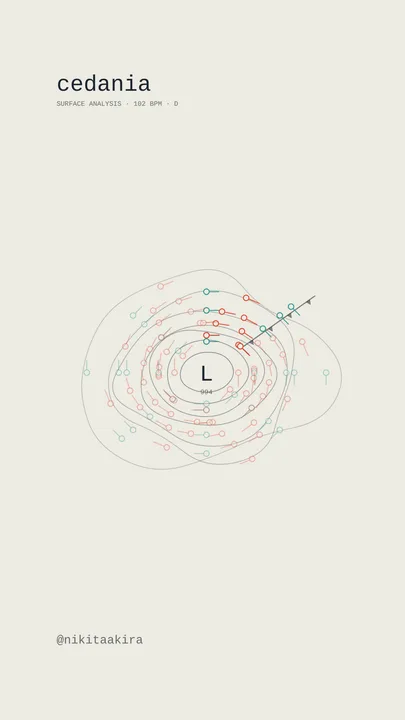
halo — your notes as white-hot streaks, a ring on every note, exported by akira player
halomidinew
aurora — each part a curtain of light, a star on every note, exported by akira player
auroramidinew
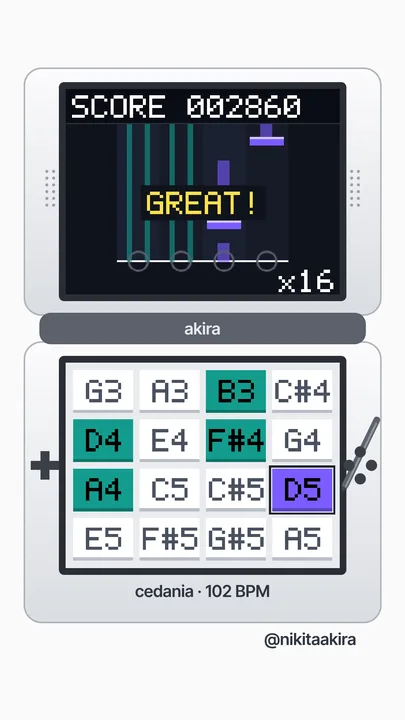
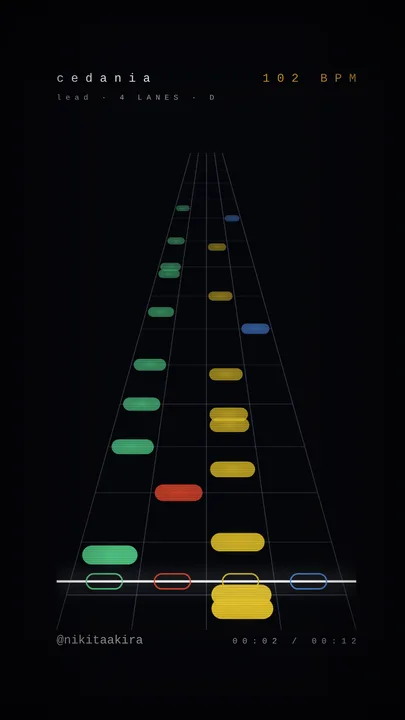
dual — a handheld rhythm game played by your MIDI, exported by akira player
dualmidi
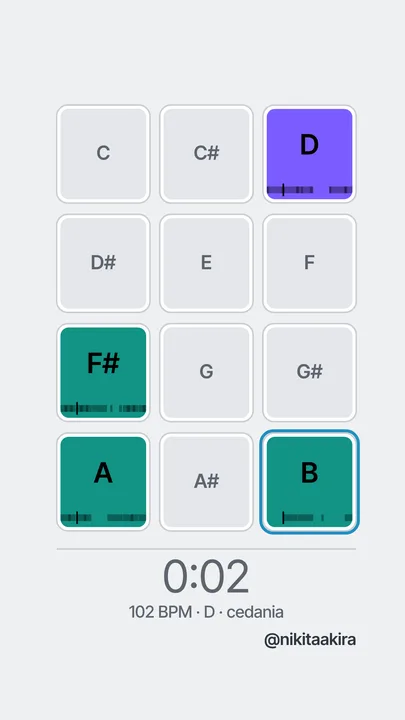
channels — twelve pads, one for each note, exported by akira player
channelsmidi
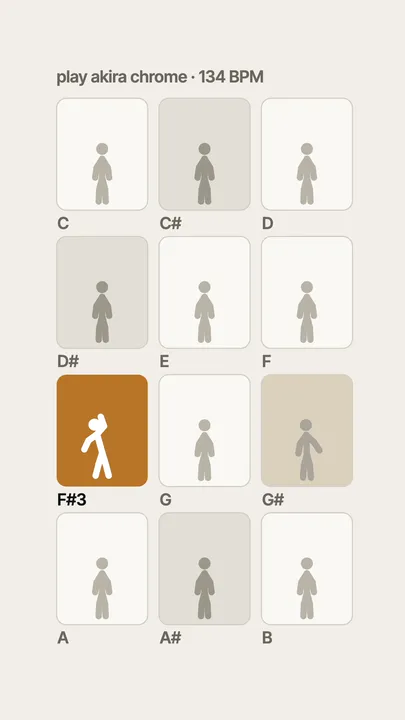
twelve — twelve figures that pose on their note, exported by akira player
twelvemidi
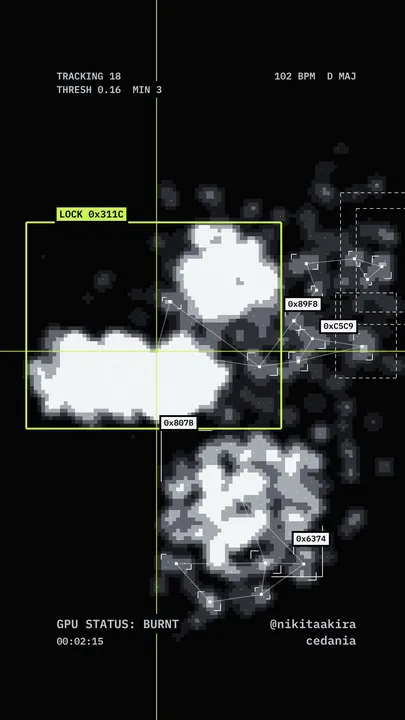
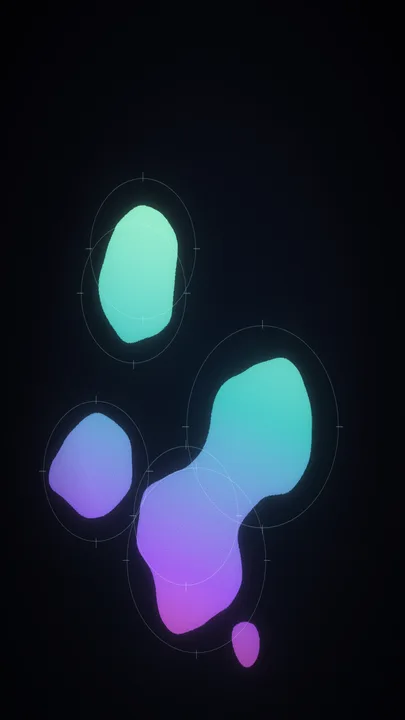
blob track — your MIDI stirring a field that a tracker boxes, exported by akira player
blob trackmidi
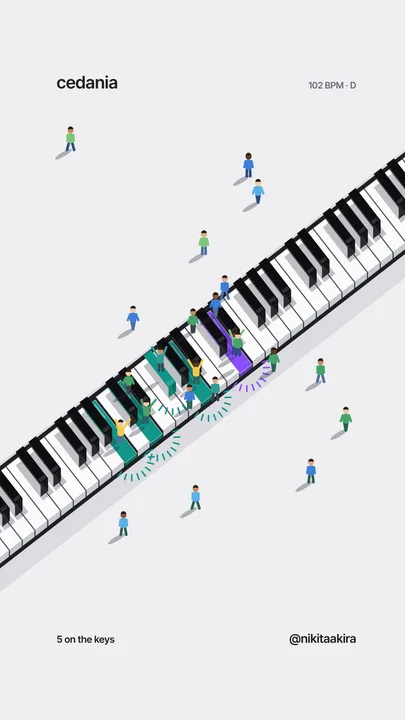
keys — a piano with people on the notes you play, exported by akira player
keysmidi
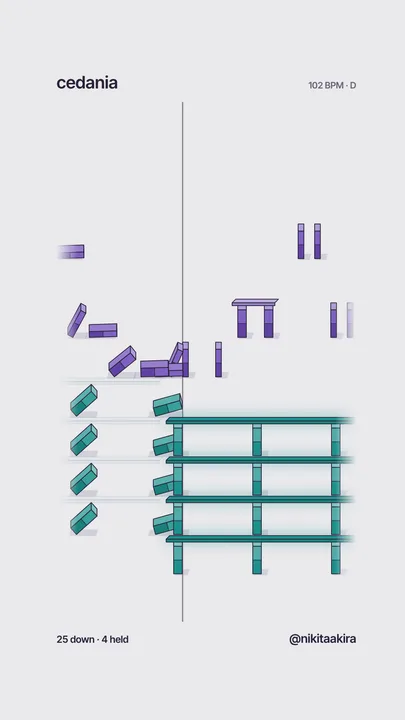
domino — short notes topple, held notes rest under a plank, exported by akira player
dominomidi
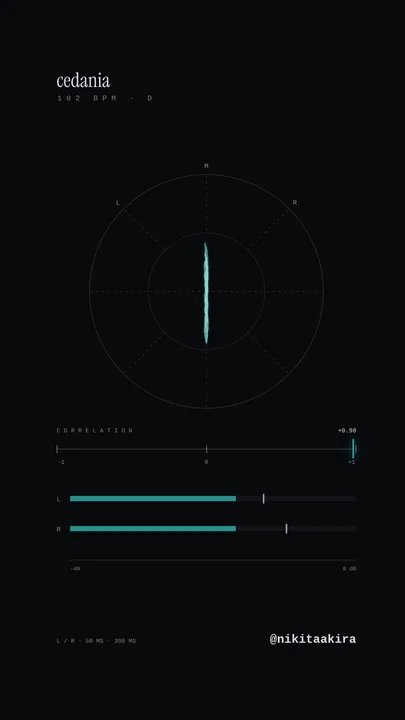
gonio — the stereo picture of the mix, exported by akira player
gonioaudio
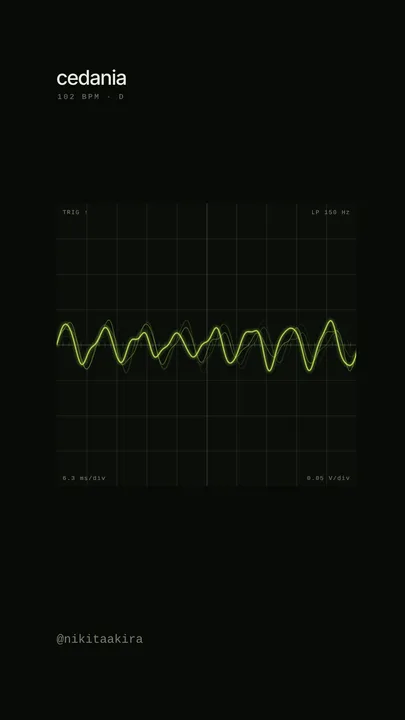
scope — an oscilloscope locked to the 808, exported by akira player
scopeaudio
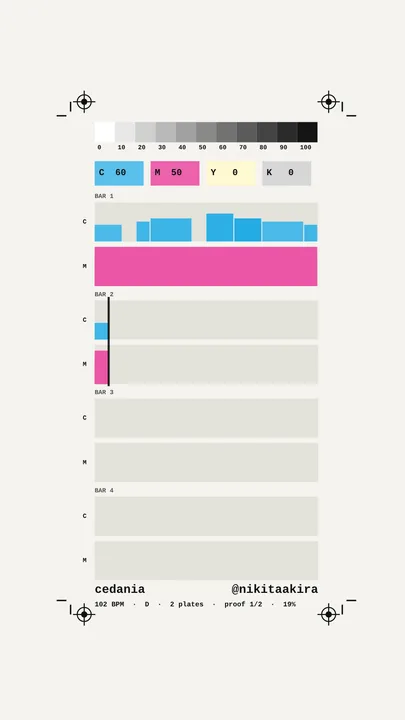
proof — a CMYK press proof of the parts, exported by akira player
proofmidi
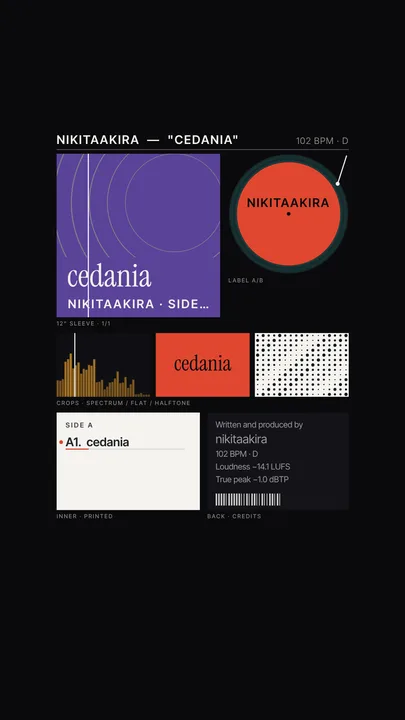
campaign — the beat as a release, cover and tracklist, exported by akira player
campaignaudio
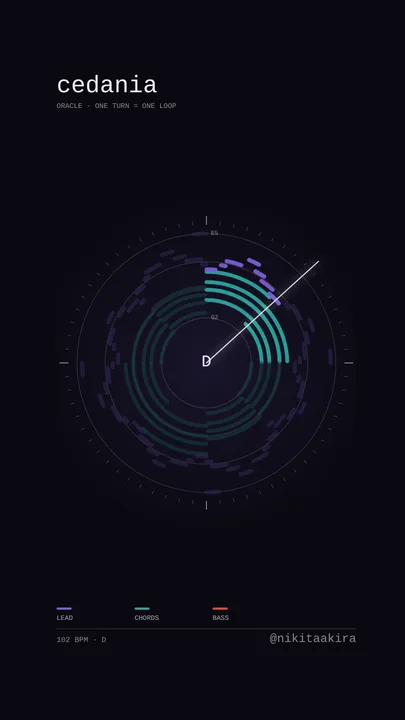
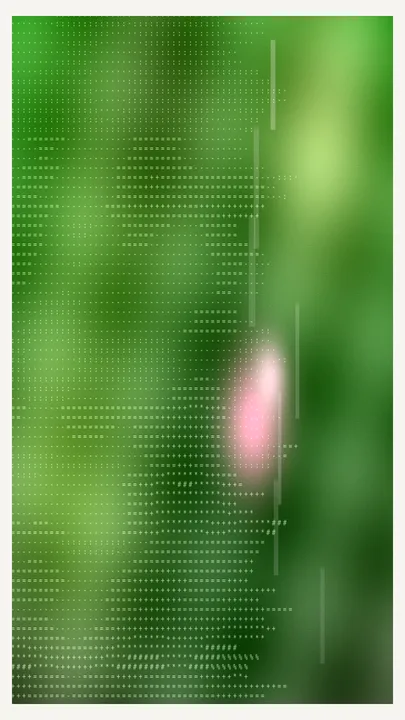
oracle — a frame exported by akira player
oraclemidi
weather — a frame exported by akira player
weathermidi
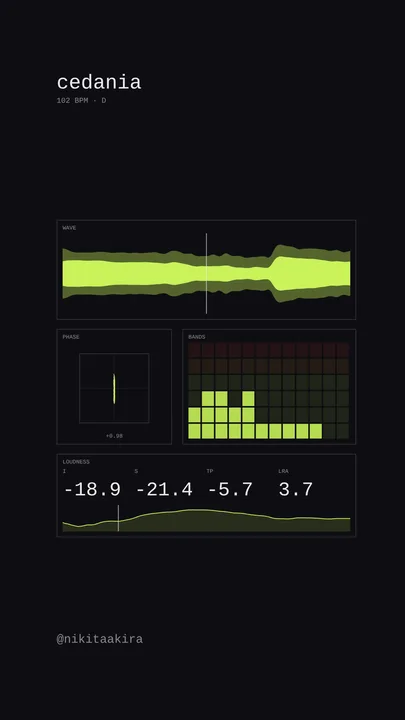
rack — a frame exported by akira player
rackaudio
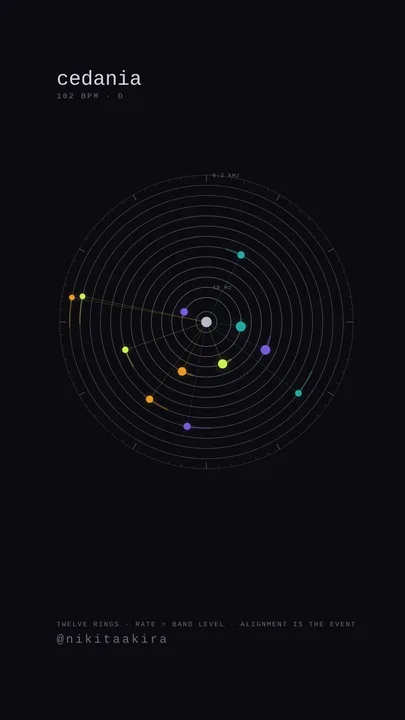
orrery — a frame exported by akira player
orreryaudio
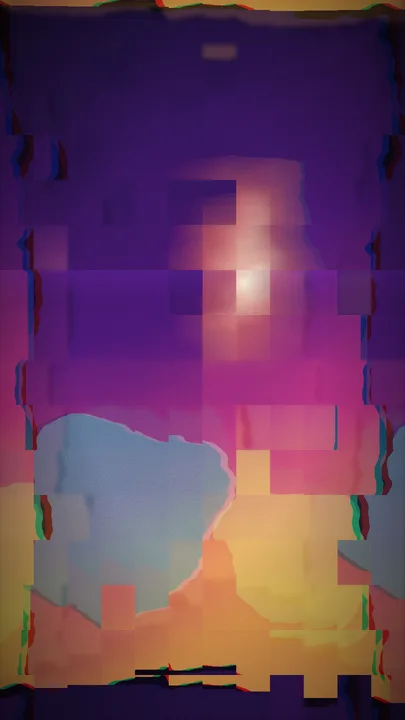
mosh — a frame exported by akira player
moshaudio
blob — a frame exported by akira player
blobaudio
arcade — a frame exported by akira player
arcademidi
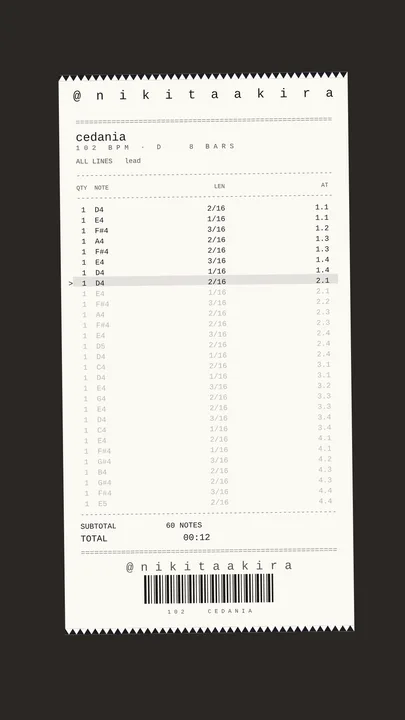
receipt — a frame exported by akira player
receiptmidi
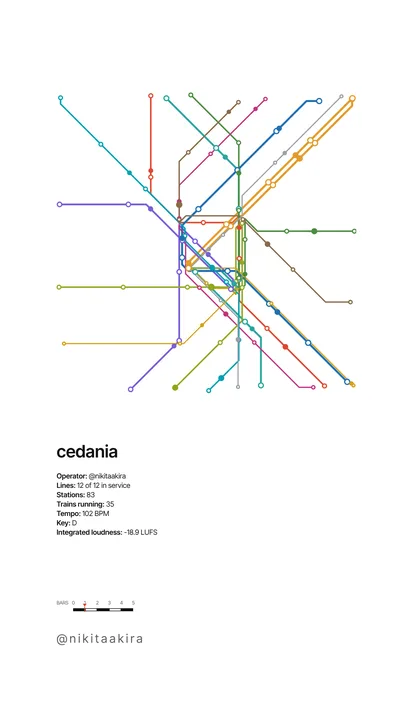
transit — a frame exported by akira player
transitaudio
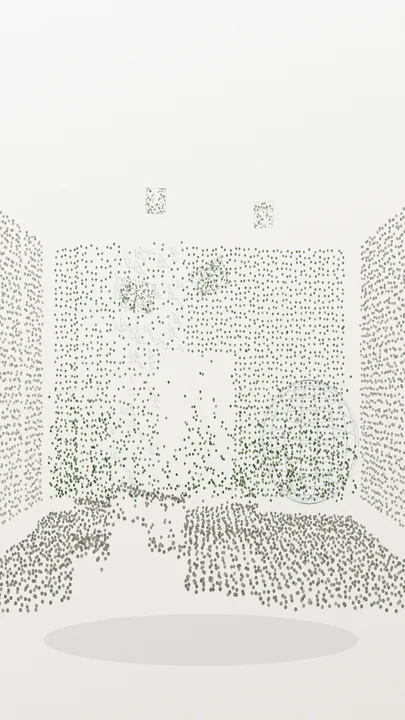
lidar — a frame exported by akira player
lidaraudio
glyph — a frame exported by akira player
glyphaudio
totem — a frame exported by akira player
totemmidi
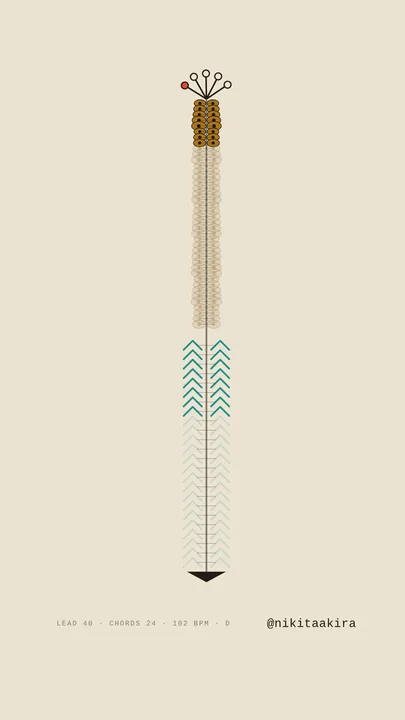
trajectory — a frame exported by akira player
trajectorymidi
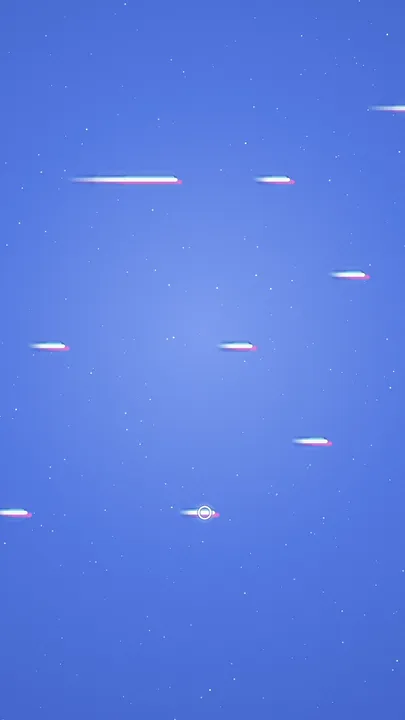
stars — a frame exported by akira player
starsmidi
filament — a frame exported by akira player
filamentaudio
monitor — a frame exported by akira player
monitoraudio
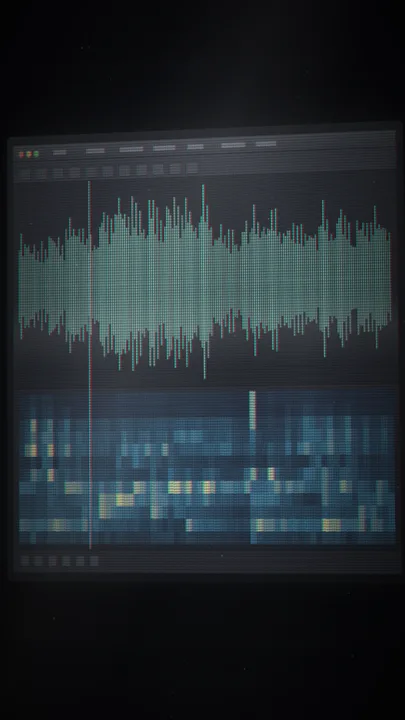
scan — a frame exported by akira player
scanaudio
smear — a frame exported by akira player
smearaudio
stipple — a frame exported by akira player
stippleaudio
chart — a frame exported by akira player
chartmidi
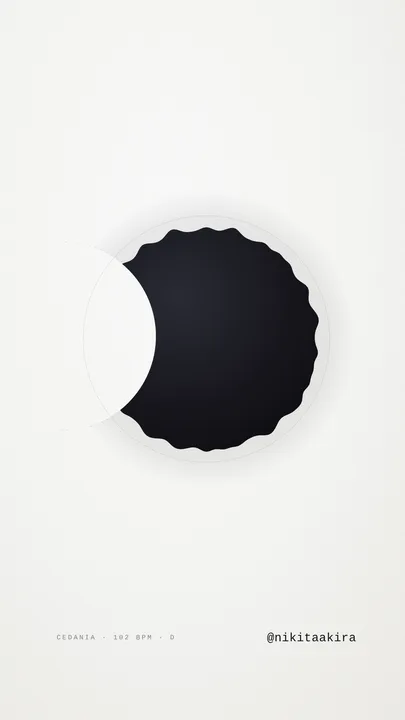
eclipse — a frame exported by akira player
eclipsemidi
ladder — a frame exported by akira player
ladderaudio
sheet — a frame exported by akira player
sheetmidi
screen — a frame exported by akira player
screenmidi
strip — a frame exported by akira player
stripmidi
mono studio — a frame exported by akira player
mono studiomidi
rage field — a frame exported by akira player
rage fieldmidi
rage night — a frame exported by akira player
rage nightmidi
trap phosphor — a frame exported by akira player
trap phosphormidi
trap chrome — a frame exported by akira player
trap chromemidi
ama sun — a frame exported by akira player
ama sunmidi
afro paper — a frame exported by akira player
afro papermidi
plate — a frame exported by akira player
platemidi
film — a frame exported by akira player
filmmidi
Buy — $34.99one payment · no watermark · free updates

Three moves

  1. Drop a beatA wav, mp3 or aiff. Tempo and key come straight from the filename.
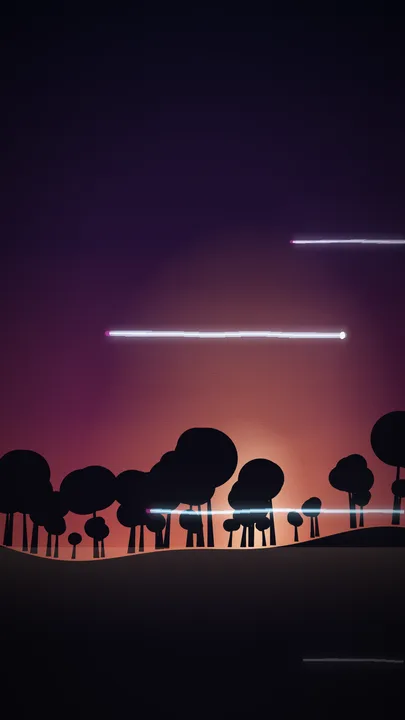
  2. Pick a lookEvery tile is a live render of your beat.
  3. ExportOne button. The MP4 lands in the folder you pick, at the right size and loudness.

Nothing leaves your computer. Everything renders on your Mac or PC, and your beat is never uploaded.
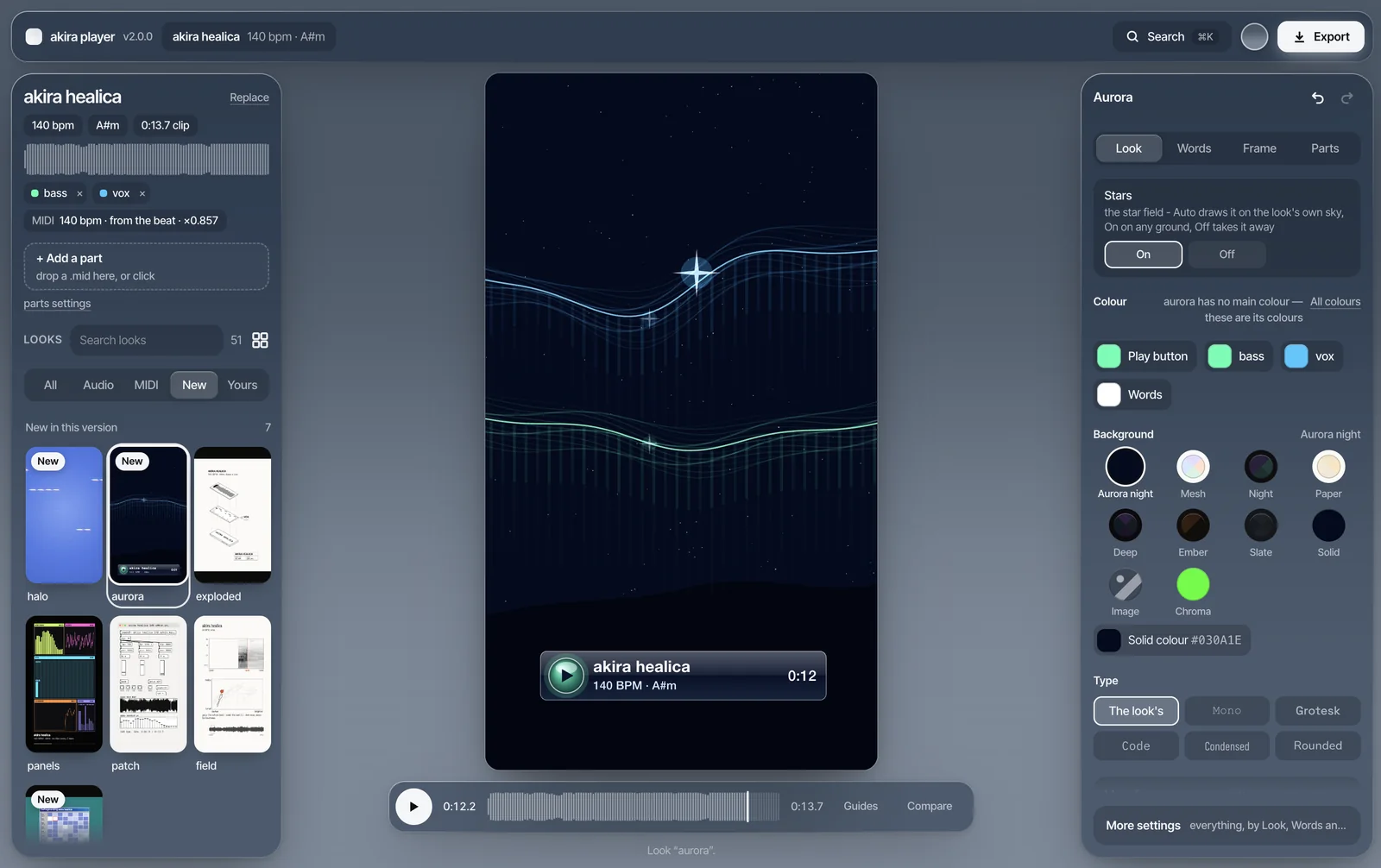
The akira player app on a Mac: the beat and the look library on the left, a 9:16 preview in the middle, the look’s settings on the right.
The real app, nothing staged.

What I did with it

My own Instagram, 25 September – 25 October 2026. Every Reel made with this app.

227
Reels in 30 days
2.5M
views
41k
saves

My numbers, not a promise. Reach is a lottery. What the app changed is the part I control: a video takes seconds, so I could post 227 instead of a handful.

“Wait, the app made this whole video by itself? That’s insane. OK, I’m getting it.”
a producer, Telegram · translated from Russian
“bro the [app] is so fire, my workflow is so much better”
a buyer, Instagram DM
“I’d been looking forever for a way to make videos with my own music. There’s never time, and sometimes not even the energy — you really helped a ton.”
a buyer, Telegram · translated from Russian

What you get

54
looks, all editable
9:16 · 16:9
reels, feed posts and YouTube
∞
exports, no watermark
$34.99once · no subscription · free updates · Mac + WindowsPay with PayPal or a card through PayPal, no PayPal account needed. VAT or sales tax is added at checkout, depending on your country.
Buy — $34.99

Buying on your phone works: the file and key come by email, for your computer.

At checkout, tick “Send me product updates and offers via email”. That's how new versions reach your inbox.
  • A Mac or a Windows PC. One download with the app for Mac (Apple chip or Intel) and Windows. Works offline after activation. Mac: macOS 13 Ventura or later. On an older Mac, use the browser version that comes in the same download.
  • One key, two computers. Enter it once, then it works offline. About → Deactivate gives a seat back.
  • Made by one producer. Something broken? support@akira.center reaches me.

Opening it the first time

The app isn’t from the App Store or the Microsoft Store, so the first launch takes a minute of extra clicks, once. After that it opens like any other app.

  • Mac: drag akira player into Applications and open it. macOS says it can’t check it for malware. Careful: the highlighted blue button is Move to Trash, and pressing Return clicks it. Click Done instead. Then open System Settings → Privacy & Security, scroll down to the line about akira player and click Open Anyway. A second box asks again: click Open Anyway and confirm with Touch ID or your Mac password. Right-click → Open no longer works on new macOS, and the last step needs an administrator account on that Mac.
  • Windows: if “Windows protected your PC” shows up, click More info, then Run anyway. It installs just for you, no admin needed.
  • Download it straight to your computer, not through Telegram or another chat app: they break the files.

Questions people ask

Does the app make the music?

No — you bring the beat. The app turns your sound into the video. It never generates audio.

Do I need a MIDI file?

No. 21 looks run on the audio alone. The rest read a MIDI file (up to four parts) and draw your melody, chords and bass as they are.

Where do I get the MIDI?

From the project you made the beat in: export the melody, chords or bass as a .mid from FL Studio, Ableton, Logic or any DAW.

Does it work on my phone?

The app runs on a Mac or a Windows PC. You can still buy on your phone: the download link and your key arrive by email. Email me the link ›

Is my beat uploaded anywhere?

No. The video is made on your own machine. The app only sends your licence key, to activate it and re-check it about once a fortnight, and once a day it asks if there's a new version.

My Mac says it can’t check the app

That’s macOS being careful with apps from outside the App Store. Don’t click the blue Move to Trash button (Return presses it): click Done, open System Settings → Privacy & Security, click Open Anyway next to akira player, then Open Anyway again and your password. You only do this once. Deleted it by accident? Download it again from your Payhip receipt. All the steps ›

Do updates cost extra?

No. Every update is free for anyone who bought it, the desktop app included. Bought it before the desktop app came out? Your key works in the app.

Buy — $34.99pay once · free updates